
File types
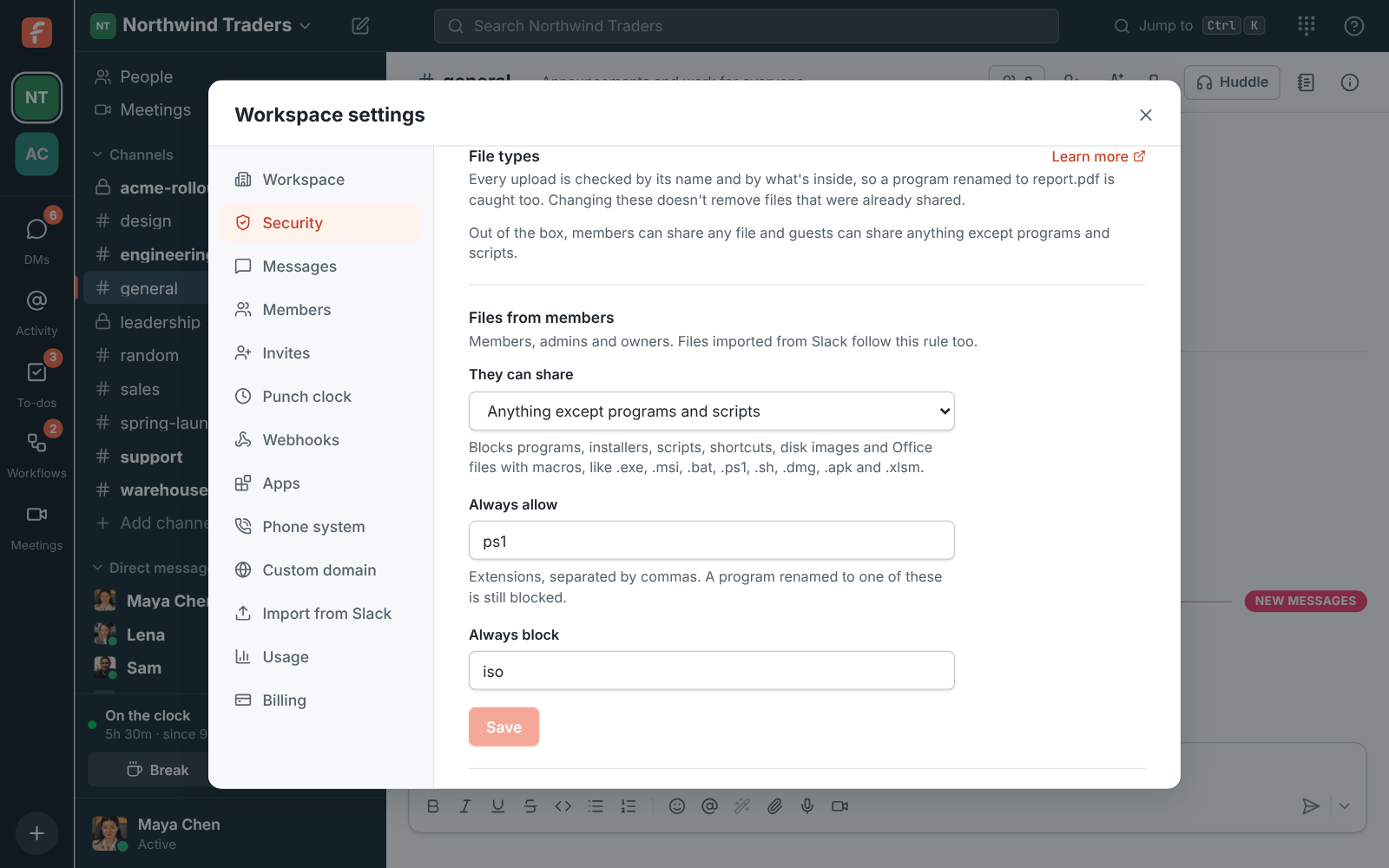
Admins decide which kinds of file people can share in the workspace, with one rule for members and another for guests from other companies. Open the workspace menu, choose Workspace settings → Security & compliance → File types.
What it does out of the box
Section titled “What it does out of the box”- Members can share any type of file.
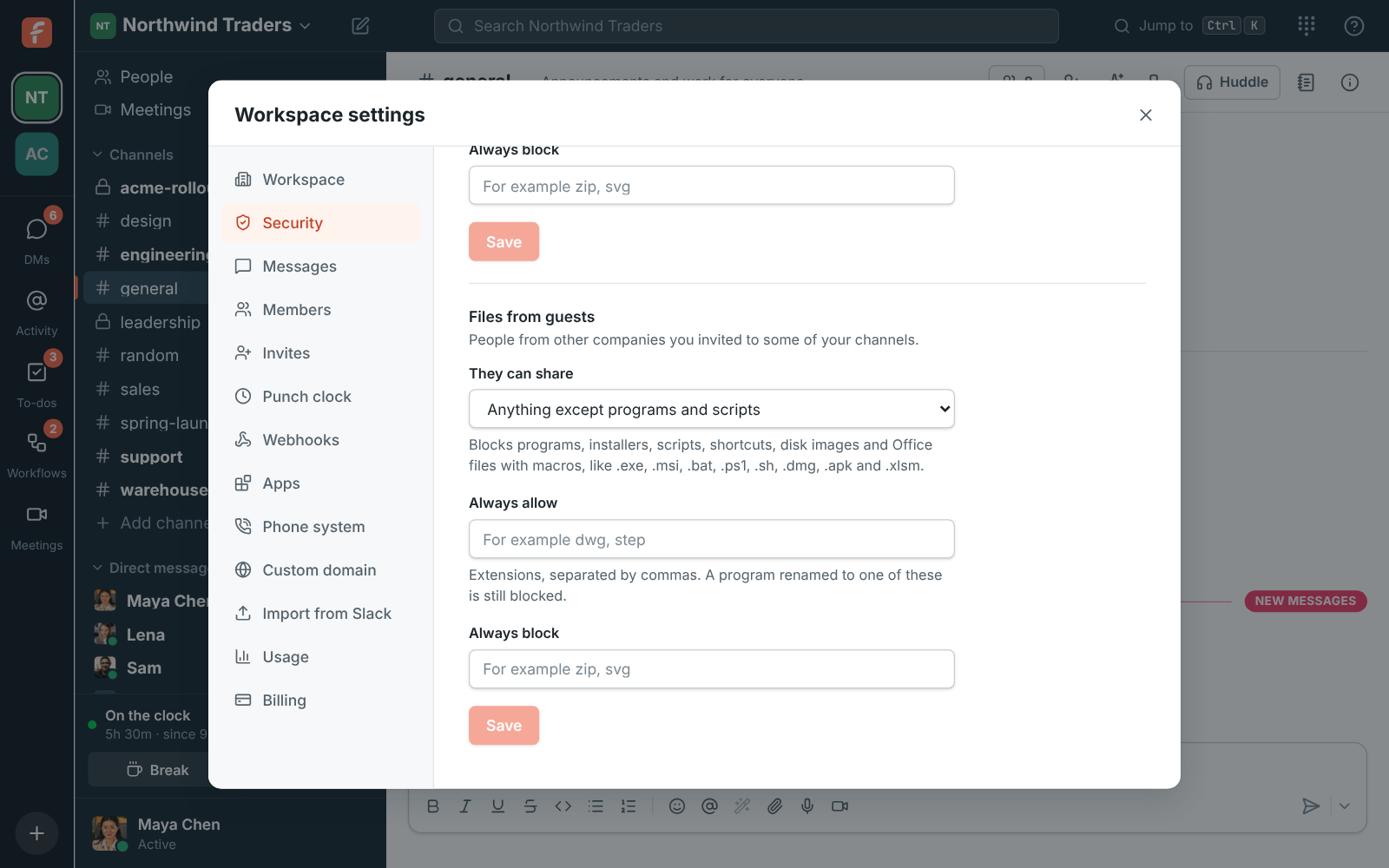
- Guests can share anything except programs and scripts.
Changing a rule only affects new uploads. Files that were already shared stay where they are.
The choices
Section titled “The choices”For each of Files from members and Files from guests, pick what They can share:
| Choice | What it allows |
|---|---|
| Any type of file | Everything. |
| Anything except programs and scripts | Everything except programs, installers, scripts, shortcuts, disk images and Office files with macros. |
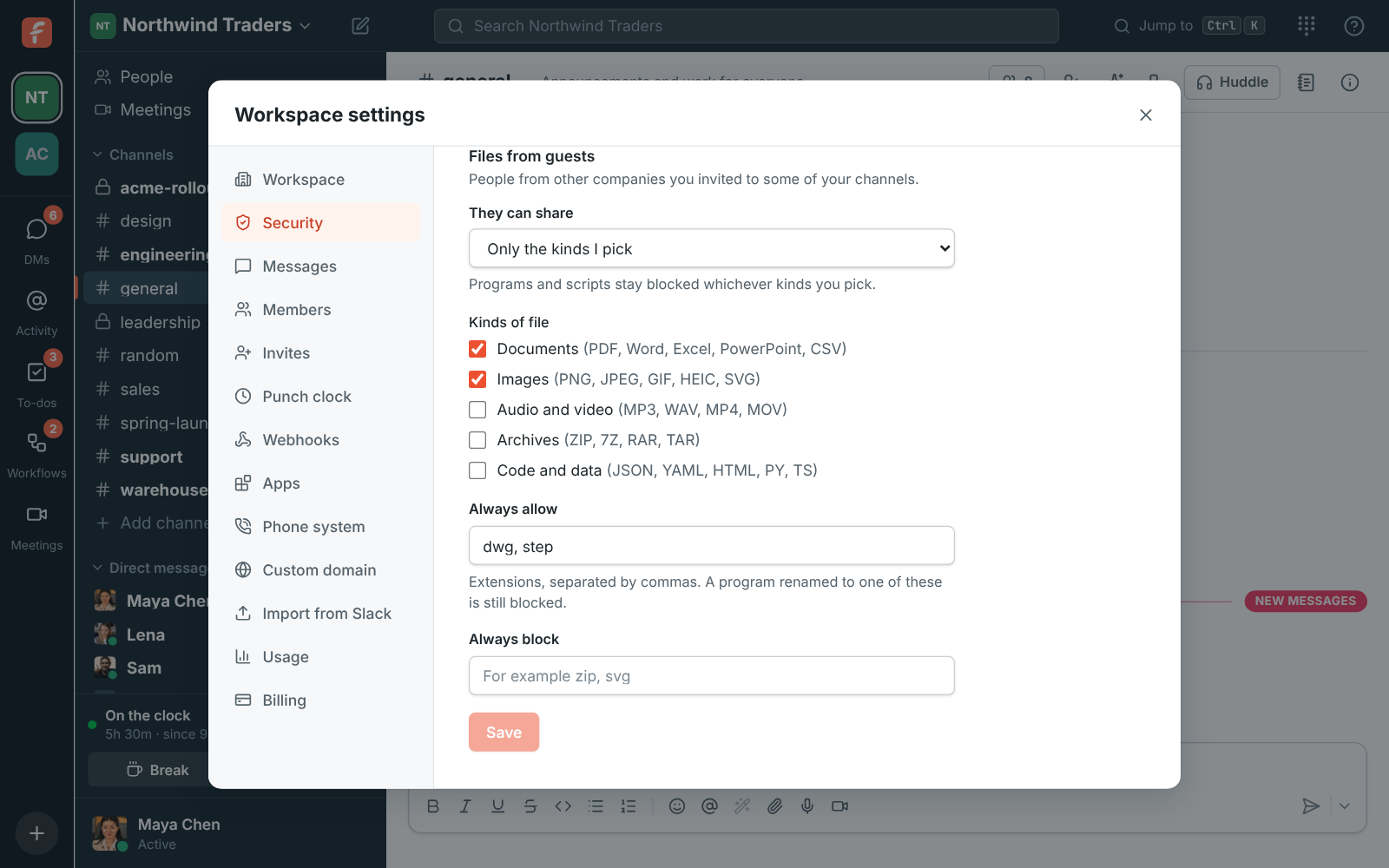
| Only the kinds I pick | Just the kinds you tick: Documents, Images, Audio and video, Archives and Code and data (Corporate and Enterprise). |
“Programs and scripts” covers files such as .exe, .msi, .bat, .cmd, .ps1, .vbs, .js,
.lnk, .sh, .app, .pkg, .dmg, .deb, .jar, .apk, .iso and macro-enabled Office files
like .docm and .xlsm. With Only the kinds I pick they stay blocked whichever kinds you tick.
Always allow and always block
Section titled “Always allow and always block”On the Corporate and Enterprise plans you can also list extensions, separated by commas:
- Always allow: extensions people can share whatever the choice above says, like
dwg, stepfor drawings your partners send. - Always block: extensions nobody can share, even with Any type of file, like
zip.
Type them with or without the dot; Freesbe tidies them up when you save.
How files are checked
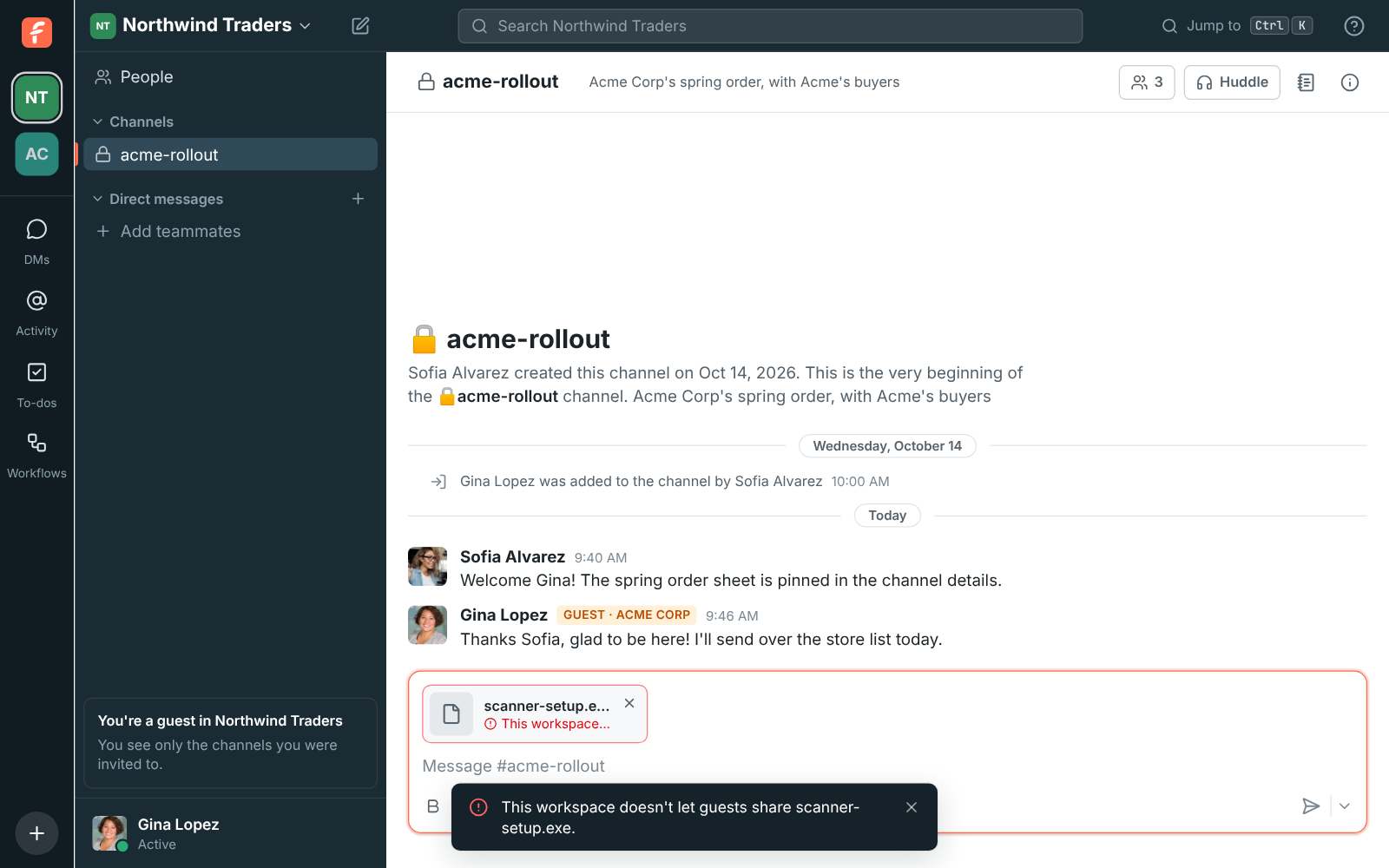
Section titled “How files are checked”Freesbe checks every upload on the server, so the rule holds for the desktop app, the browser and the API alike. Files sent in a meeting’s chat are checked too: guests from outside the workspace follow the rule for guests.
- By name: the last extension counts, so
invoice.pdf.exeis an.exe. - By what’s inside: Freesbe reads the start of the file. A Windows, Mac or Linux program, a
Java or Android package, a shortcut or a disk image is recognised even when it’s been renamed to
report.pdfor has no extension. An extension on Always allow doesn’t let a program through under someone else’s name either. - Plain-text scripts like
.batand.vbslook like any other text, so those are recognised by name.
When a file isn’t allowed, it isn’t uploaded. The person sees why straight away, and the message can still be sent without it.
Slack imports
Section titled “Slack imports”Files in a Slack import follow the rule for members, since everyone imported from Slack joins as a member. Files the rule turns away are left out of the imported messages and counted as skipped.
| Feature | Free | Business | Corporate | Enterprise |
|---|---|---|---|---|
| Any type of file, or anything except programs and scripts | Yes | Yes | Yes | Yes |
| Only the kinds I pick | Yes | Yes | ||
| Always allow and always block lists | Yes | Yes |
On Free and Business, Only the kinds I pick and the lists are greyed out, each with Requires the Corporate plan underneath. Click Corporate plan to upgrade under Billing → Plans.
If the workspace moves off Corporate or Enterprise, the lists stop counting and Only the kinds I pick works like Anything except programs and scripts, so nothing becomes looser.
Answers come from the Freesbe guides and are written by AI, so check the linked guide before relying on one. Please don't include personal details such as emails or passwords.