Huddles and video calls
Calls that start where the conversation already is.
A Freesbe huddle is a voice or video call inside a channel or DM. Anyone in the conversation can start one or drop in, with up to 20 people. You can share your screen, record, and let a teammate control your screen. The call stays in a floating window while you keep chatting.
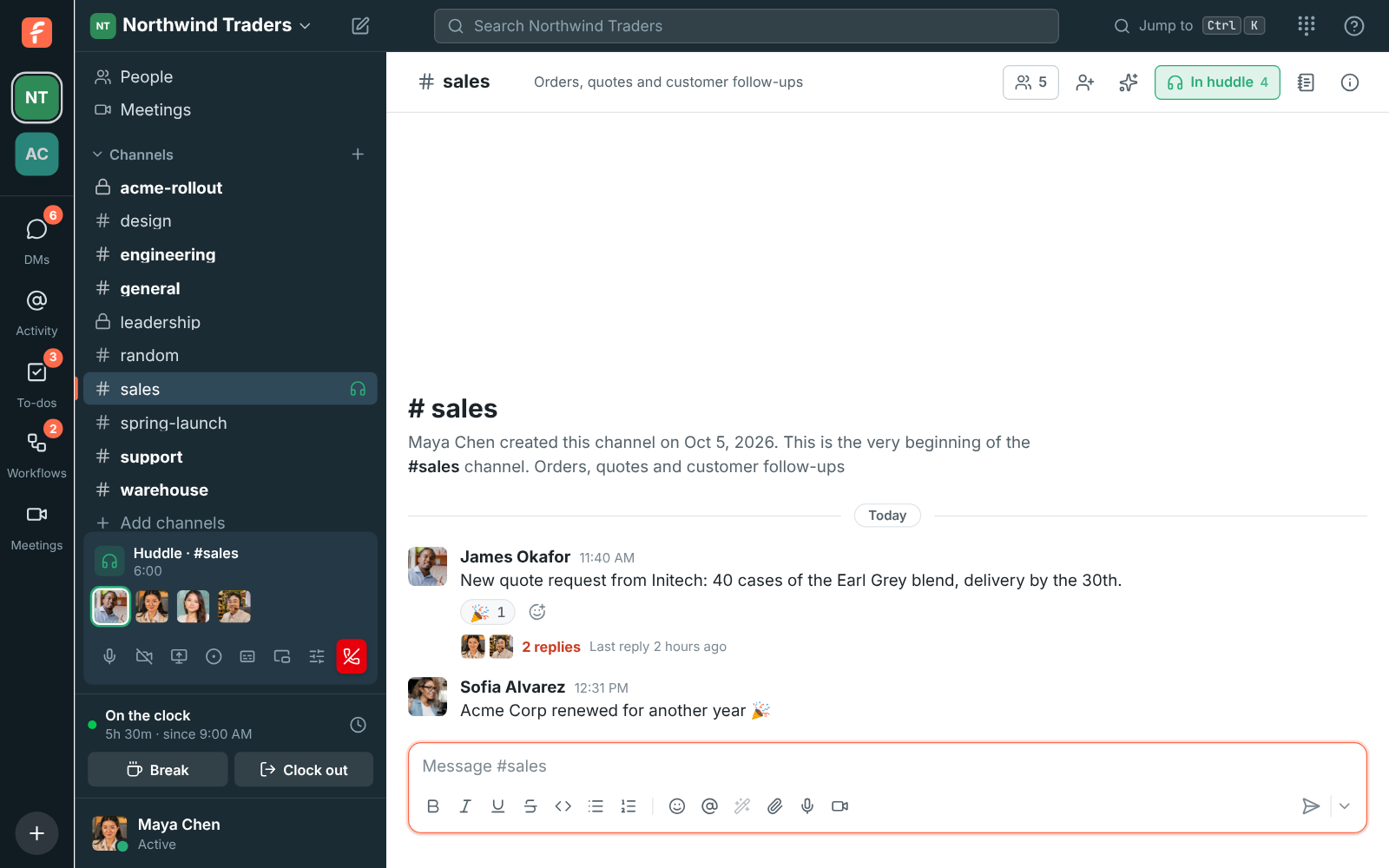
One click from a channel or DM
Click Huddle at the top of any conversation. In a DM it rings the other people on every device they're signed in on. In a channel nobody is rung, so people see the call and join when they're ready.
- Voice for everyone on every plan, group video on paid plans
- Mute, camera, screen share and devices from the huddle bar
- Waiting music while you're alone, just for you
Keep chatting during the call
Make the video bigger and it covers only the conversation, so the sidebar stays free. Switch tabs and a small floating window keeps the call in view. In the desktop app it stays on top of your other apps.
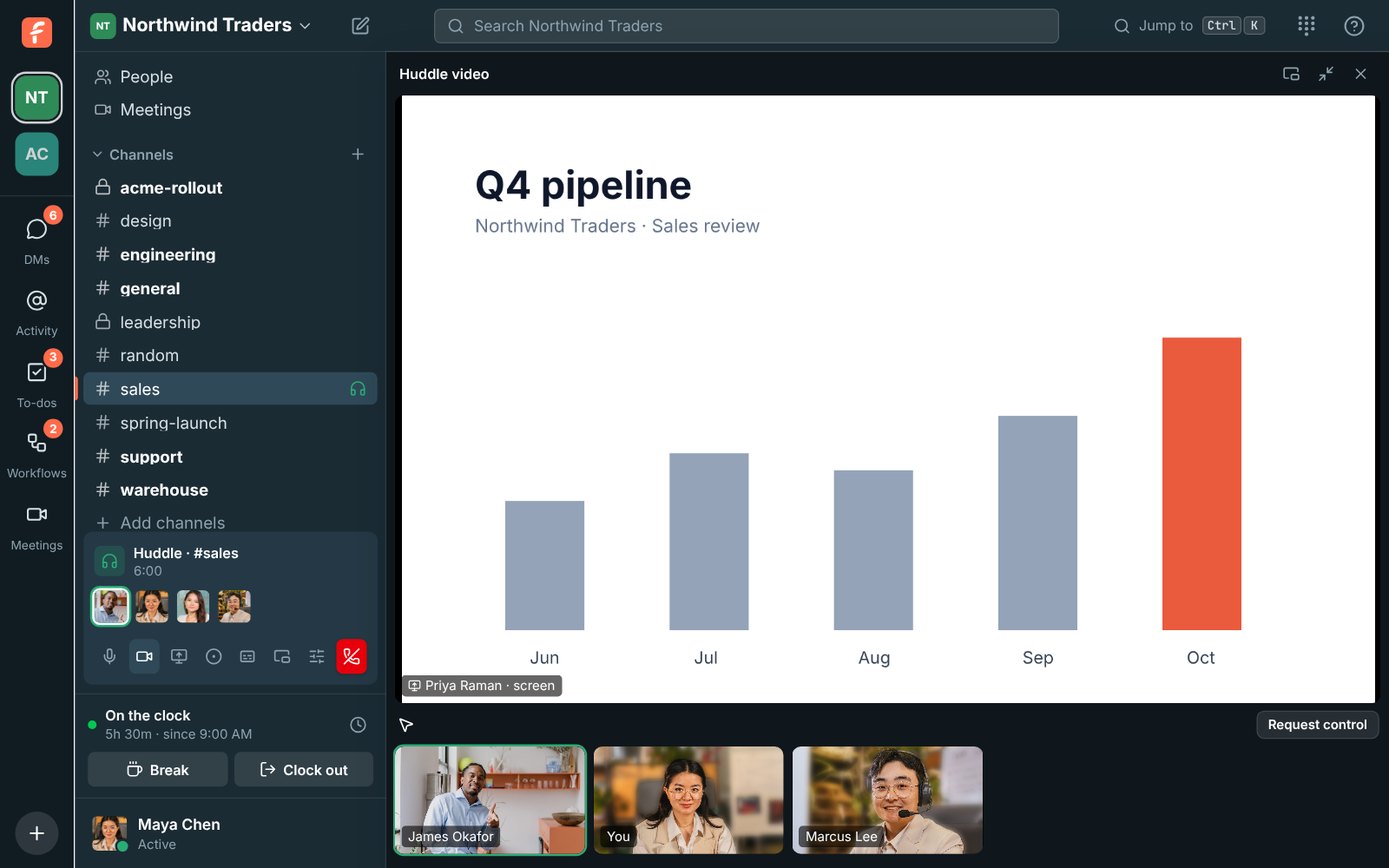
Remote control for real help
When someone shares their screen, you can ask to control it from the desktop app. They allow it every time, and admins decide whether remote control is on. It's built for support and pairing.
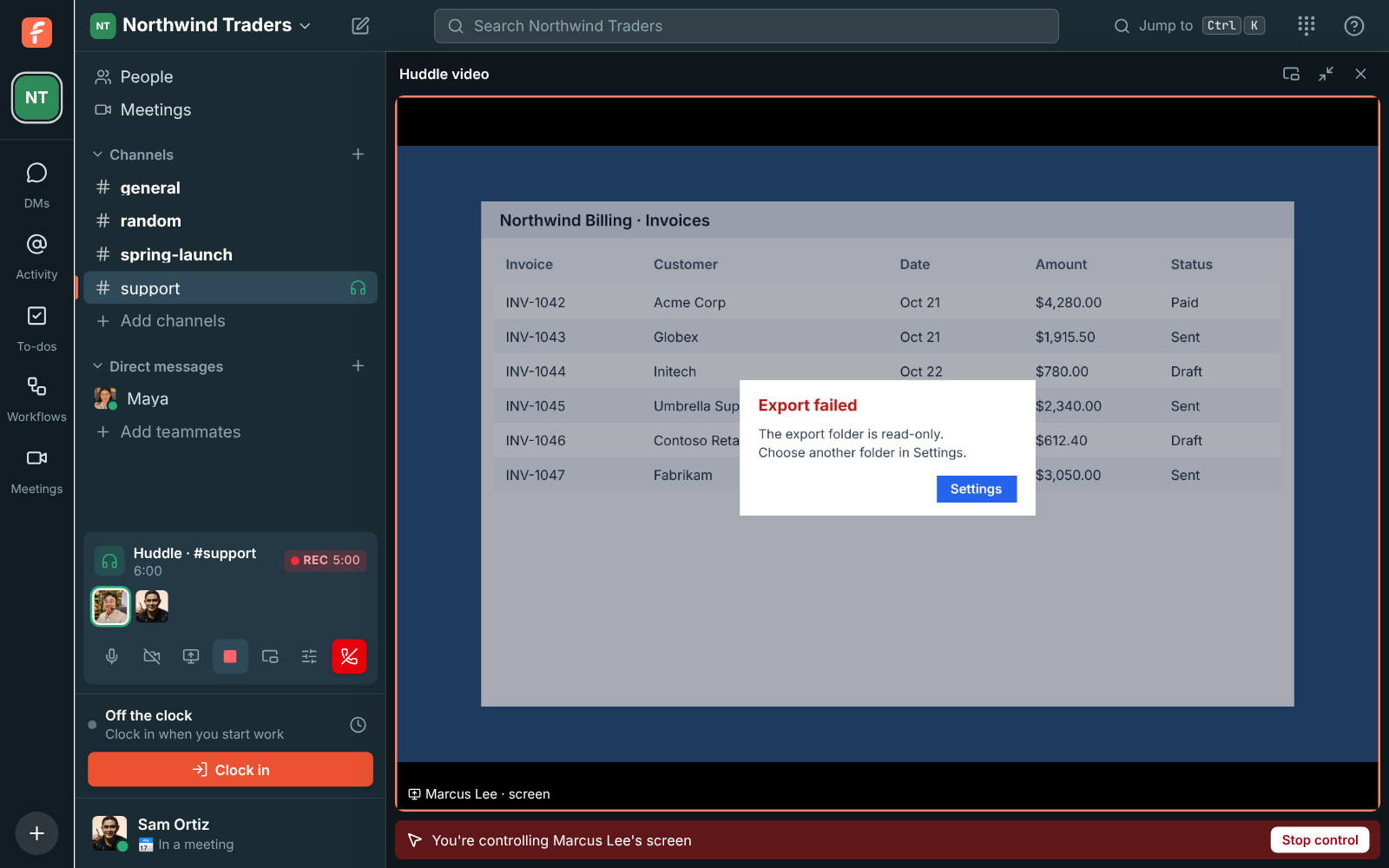
Recordings that survive a dropped connection
Anyone can record unless an admin turns it off. Everyone hears a tone and sees REC. The recording uploads every few seconds and is posted in the conversation when it stops. Admins can delete recordings automatically after 30, 90 or 365 days.
Questions
- How many people can join a huddle?
- Up to 20 people at once, in a channel or a group DM.
- Is video included on the Free plan?
- The Free plan includes 1:1 voice and video and group voice huddles. Group video, screen sharing and recordings come with Business, which includes 20 video hours per person a month, pooled across the workspace.
- Can I join a huddle from my phone?
- Yes, in the Freesbe mobile app, which is coming soon to iOS and Android.
- Who can control my screen?
- Only someone you allow, each time, and only when an admin has turned remote control on. Control works from the desktop app.